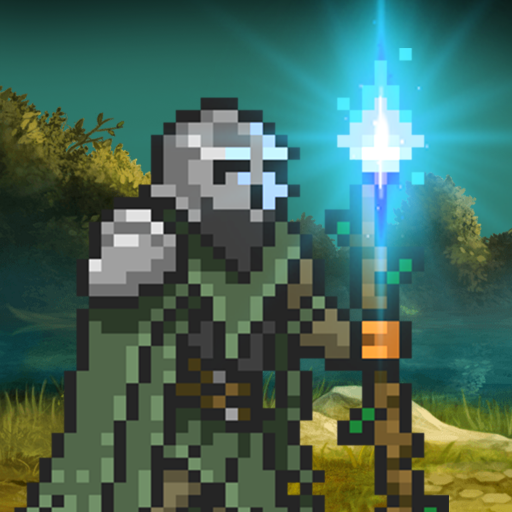
Days After is a survival game that doesn’t let you settle. The core loop is bleak by design: scavenge, build, get attacked, rebuild. Zombie hordes are the obvious threat, but hunger, infection, and raiders add up faster than most players expect in the first few sessions. It’s not a game you casually dip into — the post-apocalyptic pressure is the point.
Codes here won’t transform your run, but they take the edge off early resource gaps. Crafting materials and boosters are the kind of thing you never have quite enough of when a raid hits. Grabbing whatever’s active when you start is worth the two minutes it takes.
Active Days After Redeem Codes — July 2026
These are the codes confirmed working as of this update.
- FBSEWAGE202606 — Free items and boosters. (Added June 24, 2026 — check expiry before redeeming)
That’s the current active list. Days After codes run on short windows — sometimes just a few days — so if you’ve landed here shortly after the update date, this one should still be live. If it’s not, check the expired section below and keep an eye on the official Discord for the next drop.
How to Redeem Days After Codes
The redemption process runs through an external website, not the in-game menu — worth knowing before you go hunting for a settings option that doesn’t exist.
- Open Days After and tap the Settings icon in the top-right corner of the main screen.
- In the bottom-left of the settings panel, locate and copy your Player ID.
- Open a browser and go to https://hub.days-after.com/redeem-coupon
- Enter your Player ID and paste the code exactly as written.
- Tap Redeem — rewards should arrive in your in-game inbox shortly after.
Copy-paste the code rather than typing it manually. Days After codes tend to use number-letter combinations where a misread “0” for “O” will fail the whole thing silently.
When Codes Don’t Work
The code expired. This is the most likely reason, especially with Days After. Some codes in this game have windows as short as five days. If you found a code on a forum post from two weeks ago, assume it’s gone.
You’ve already redeemed today. Days After limits redemptions — if you’ve already used a code today, you’ll need to wait until the next day to try again. The game doesn’t always make this restriction obvious when it rejects the input.
Player ID entered incorrectly. The external redemption portal matches your Player ID to your account. An extra character, a missing digit — it breaks the match. Go back into settings and re-copy rather than retyping from memory.
Region restrictions. Codes released through regional partnerships or local events sometimes don’t work outside their intended market. If a code surfaced through a regional Discord server or localized social media account, that’s likely the issue.
Typos in the code itself. The code FBSEWAGE202606 has both letters and numbers close enough in certain fonts to cause problems. The number “6” appears twice at the end — not a typo in the code, but easy to miscount when typing.
Expired Days After Codes
These codes are no longer active. Listed here so you can verify whether a code you found elsewhere was ever real.
- EASTER2026
- SURVIVEWITHLOVE
- WELCOME
Days After — Worth Knowing
New codes for Days After tend to appear around major game updates, player milestone announcements, and developer events. The official Facebook page, Discord server, and X (Twitter) account are the fastest places to catch them when they drop. The redemption window is short enough that waiting to check a page like this one might cost you — following at least one official channel directly is worth it.
The Discord community is also reasonably active if you run into technical issues with redemption. More reliable than the in-game support queue, in practice.

Hello, my name is Mike Nikko and I am the Admin of Deliventura. Gaming has been a part of my life for more than 15 years, and during that time I have turned my passion into a place where I can share stories, reviews, and experiences with fellow players. See more about Mike Nikko