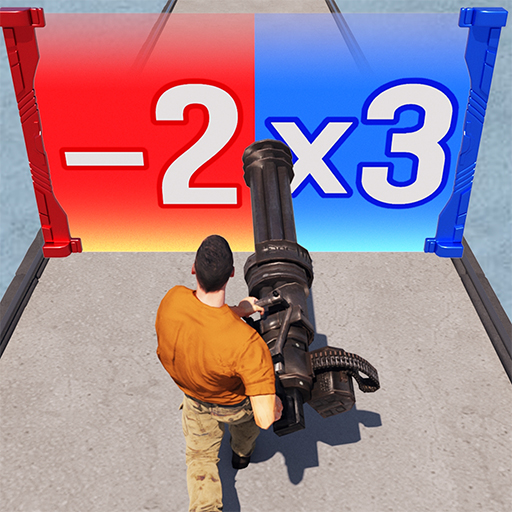
Most players open Last Z: Survival Shooter expecting a simple lane shooter. Then the base building starts, your hero roster grows, and fuel suddenly feels scarce. That’s usually when people go looking for redeem codes, and a few free bonuses can smooth out those early roguelike runs more than you’d expect.
Last Z: Survival Shooter Active Redeem Codes
Mike Deli at Deliventura.com keeps this list current. Here’s what’s live:
- FUEL10: small, but fuel drains fast in the first few days
- TROOP1000: probably the most useful one here
- WELCOMELZFB
- WELCOMELZNF
- WELCOMELZNV
- ZOMBIESIEGETIME
- THANKU250KCOM and THANU250KCOM: yes, both spellings exist, so try each
- VICTORY280K4UT
- LASTZXMAS2425: a holiday code, so it may not last long
Last Z: Survival Shooter Redeem Codes
Here’s the odd part. The game has no confirmed redemption menu yet. The steps below follow the pattern most similar mobile titles use, so treat them as a likely route rather than a guarantee.
- Tap your avatar in the top-left corner, then hit the gear icon to open settings.
- Look for “Redeem Code.” If it’s missing, the feature probably hasn’t reached your server yet.
- Enter the code and press Confirm. Pasting usually beats typing because it means fewer typos.
- Check your inventory. Rewards normally land there automatically.
Once the feature goes live, this section will get confirmed steps and real screenshots.
Why Codes Are Not Working
It’s usually something boring.
- The code expired. Seasonal codes tend to vanish first.
- It’s region-locked or tied to specific accounts.
- It’s already claimed, or it hit its usage limit.
- There’s a typo. Swapping an O for a 0 will sink it.
New codes tend to appear quietly, often around player milestones. Judging by their names, that’s where the 250K and 280K codes came from. This page gets refreshed when fresh codes drop, so it’s worth checking back.

Hello, my name is Mike Nikko and I am the Admin of Deliventura. Gaming has been a part of my life for more than 15 years, and during that time I have turned my passion into a place where I can share stories, reviews, and experiences with fellow players. See more about Mike Nikko